Take Full Control of Your HQPlayer
The premium remote control for HQPlayer Desktop & Embedded. Browse your library, manage playback, analyze audio quality, and stream from HIGHRESAUDIO — all from your phone or tablet.


The premium remote control for HQPlayer Desktop & Embedded. Browse your library, manage playback, analyze audio quality, and stream from HIGHRESAUDIO — all from your phone or tablet.
A complete companion for HQPlayer — from library browsing to real-time audio analysis.
Five ways to explore your collection: folders, artists, albums, playlists, and genres. Grid, list, or grouped view with album art.
Full transport: play, pause, stop, skip. Precise seek slider and volume adjustment in dB steps.
Album art, metadata, and real-time audio format info — source resolution, target processing, active filter and shaper.
Drag & drop reordering, swipe to delete, save as playlist. Focus button jumps to the current track.
Visualize HQPlayer's per-album and per-track measurements: LUFS loudness, dynamic range, peak and RMS levels, apodizing data.
Display HQPlayer's live per-channel peak and RMS levels with a full-frequency spectrogram. Three color palettes.
All processing settings at your fingertips: modes, filters, shapers, sample rates, matrix profiles, and presets.
Log in with your HIGHRESAUDIO account. Browse albums, search the catalog, manage playlists, and stream.
Artist biographies, photos, similar artists, genre tags, album credits, and synchronized lyrics — from MusicBrainz, Last.fm, Wikipedia, fanart.tv, and LRCLIB.
View PDF booklets embedded in your albums directly in the app — liner notes, credits, and artwork at your fingertips.
At-a-glance statistics: album, track, artist, and genre counts. PCM vs. DSD breakdown and format distribution.
Bubble scatter of release year vs. LUFS. Visualize the loudness war across your collection, filter by format or era, spot outliers.
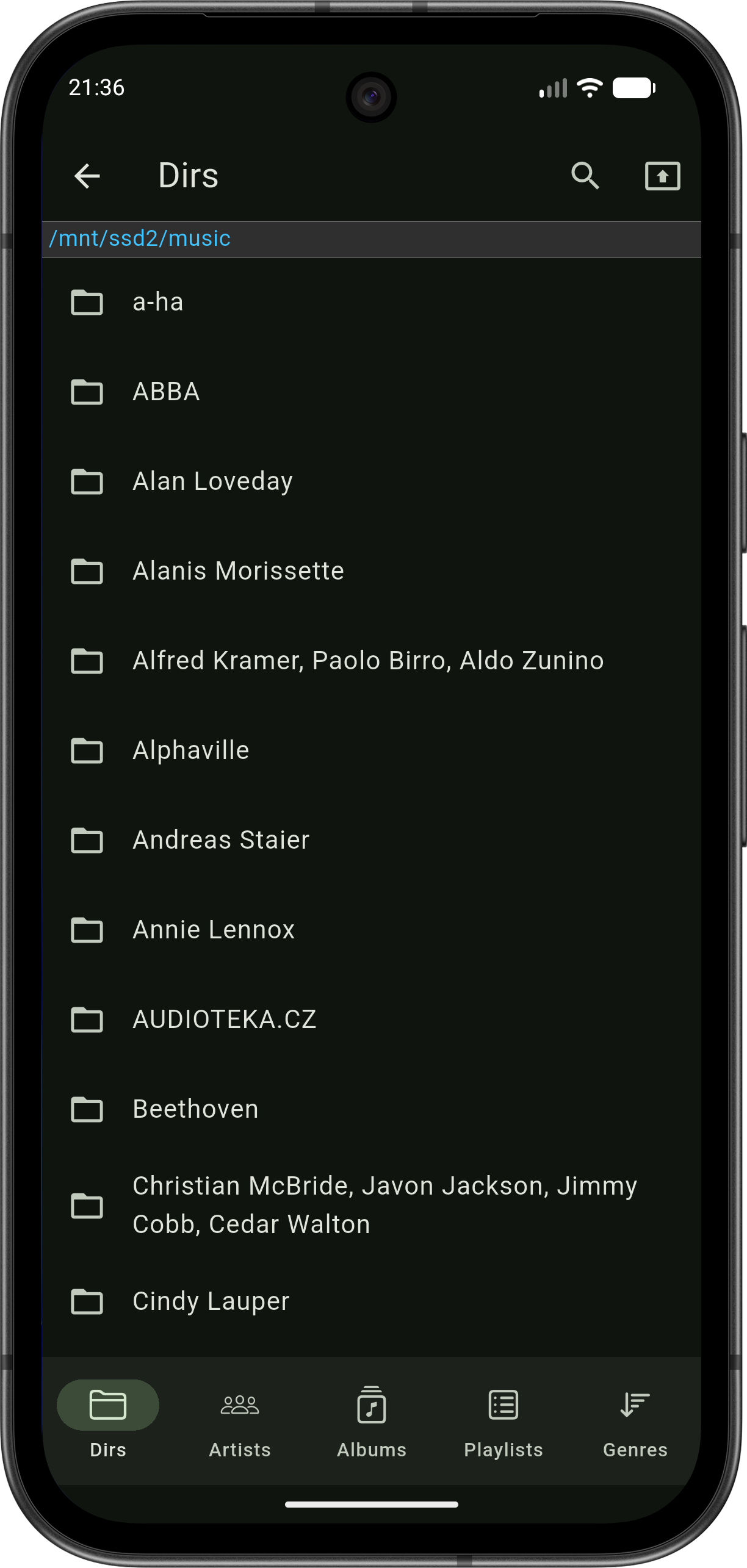
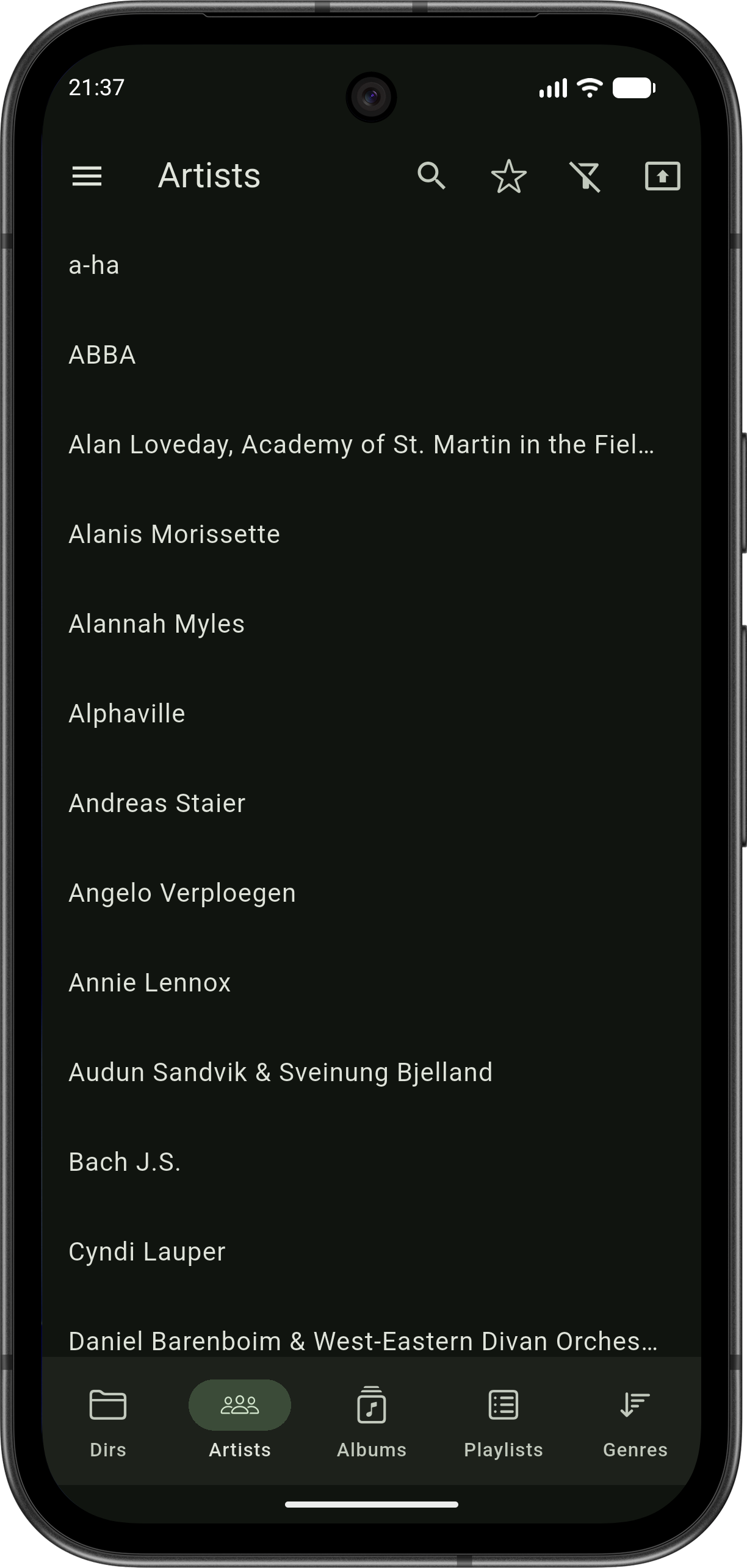
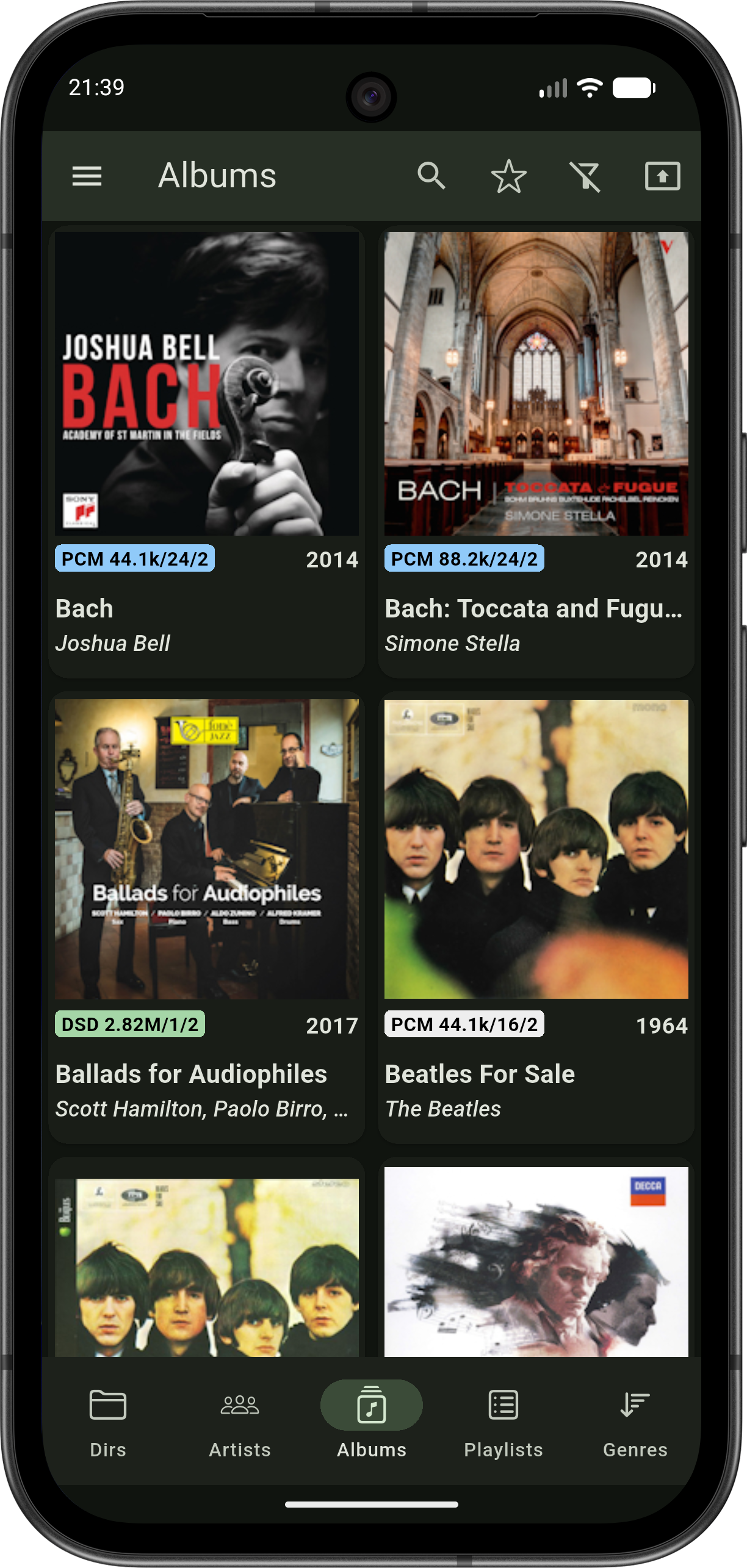
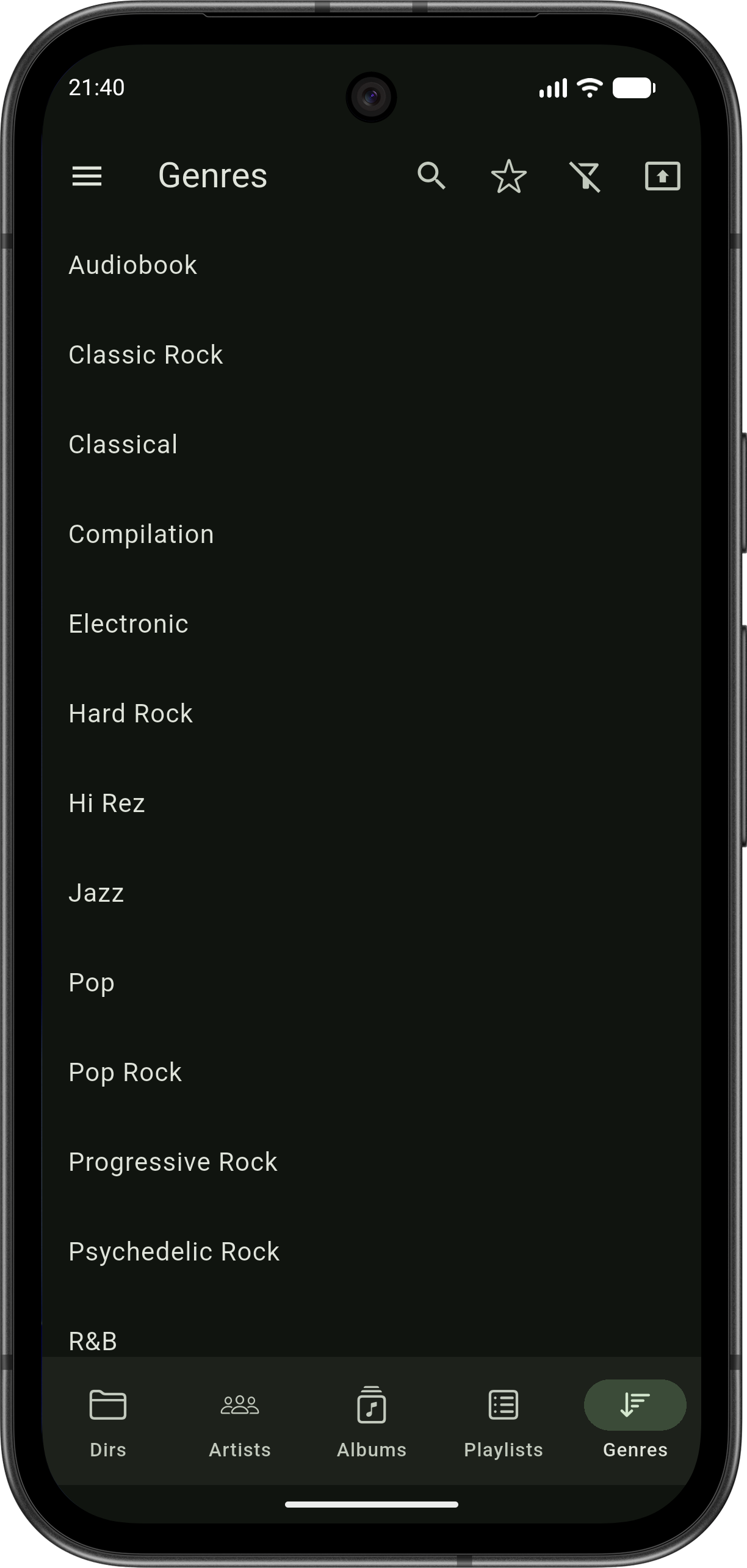
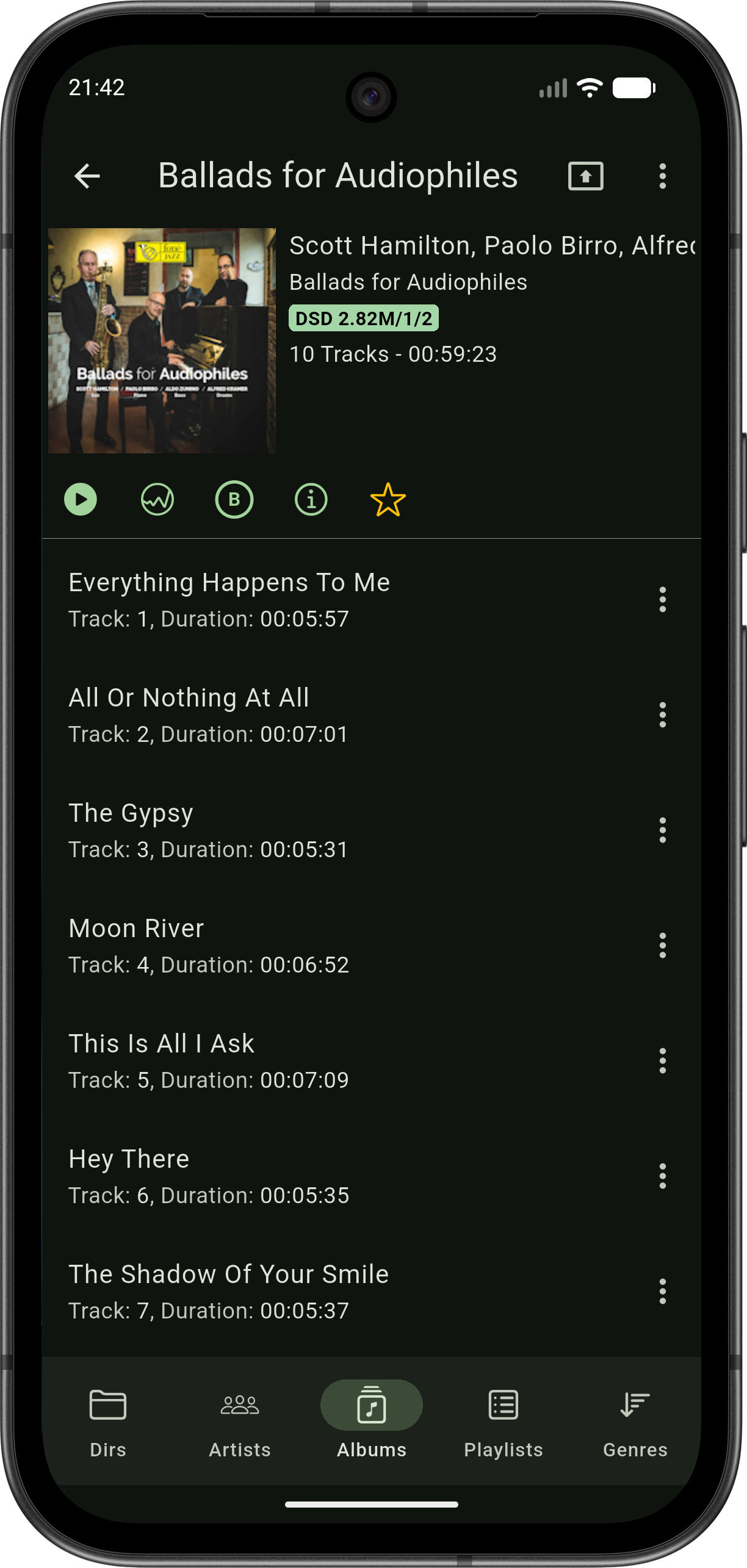
HQPDcontrol synchronizes your HQPlayer library to your device for fast, responsive browsing — even with tens of thousands of albums.
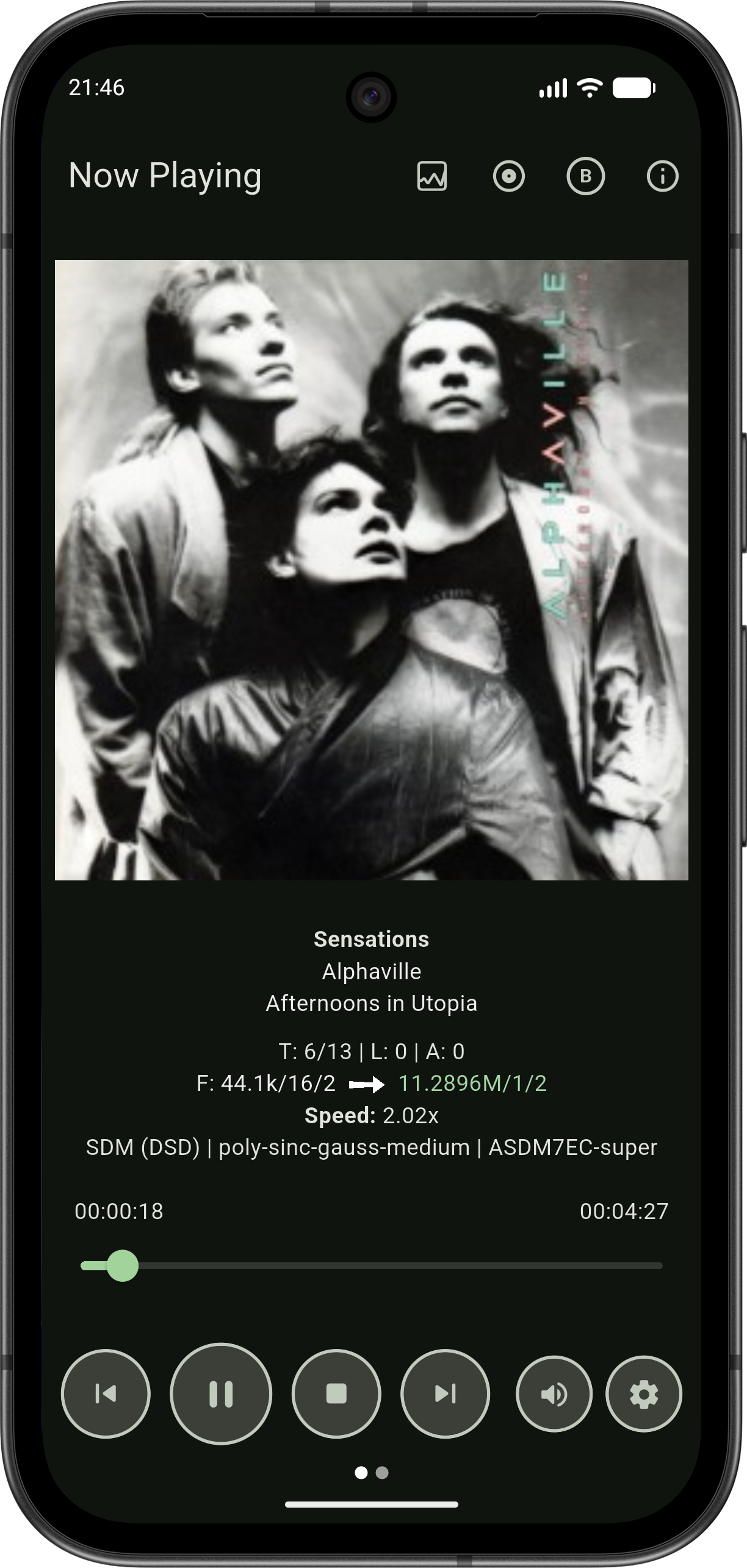
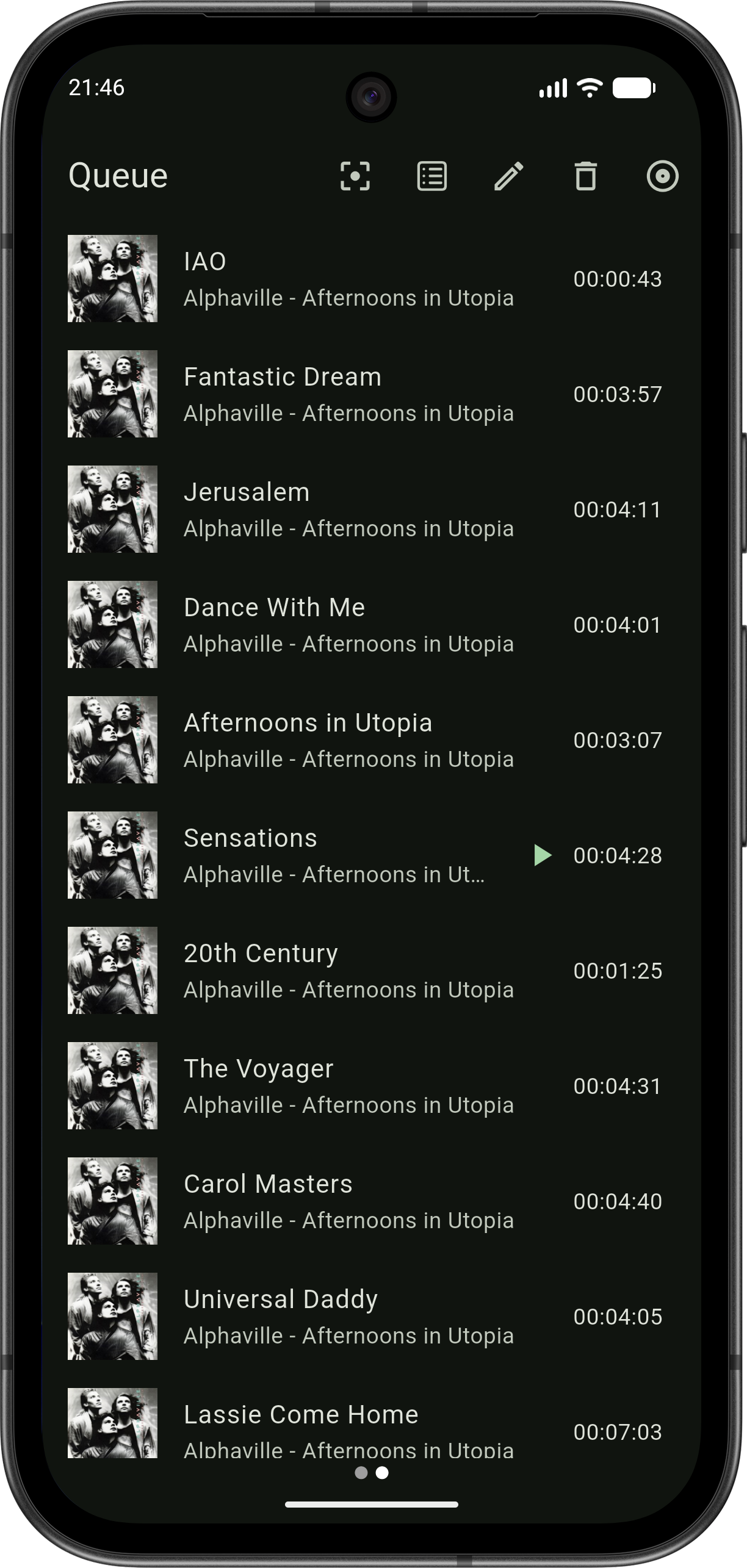
Full playback control with rich audio information. See not just what's playing, but how HQPlayer is processing it.
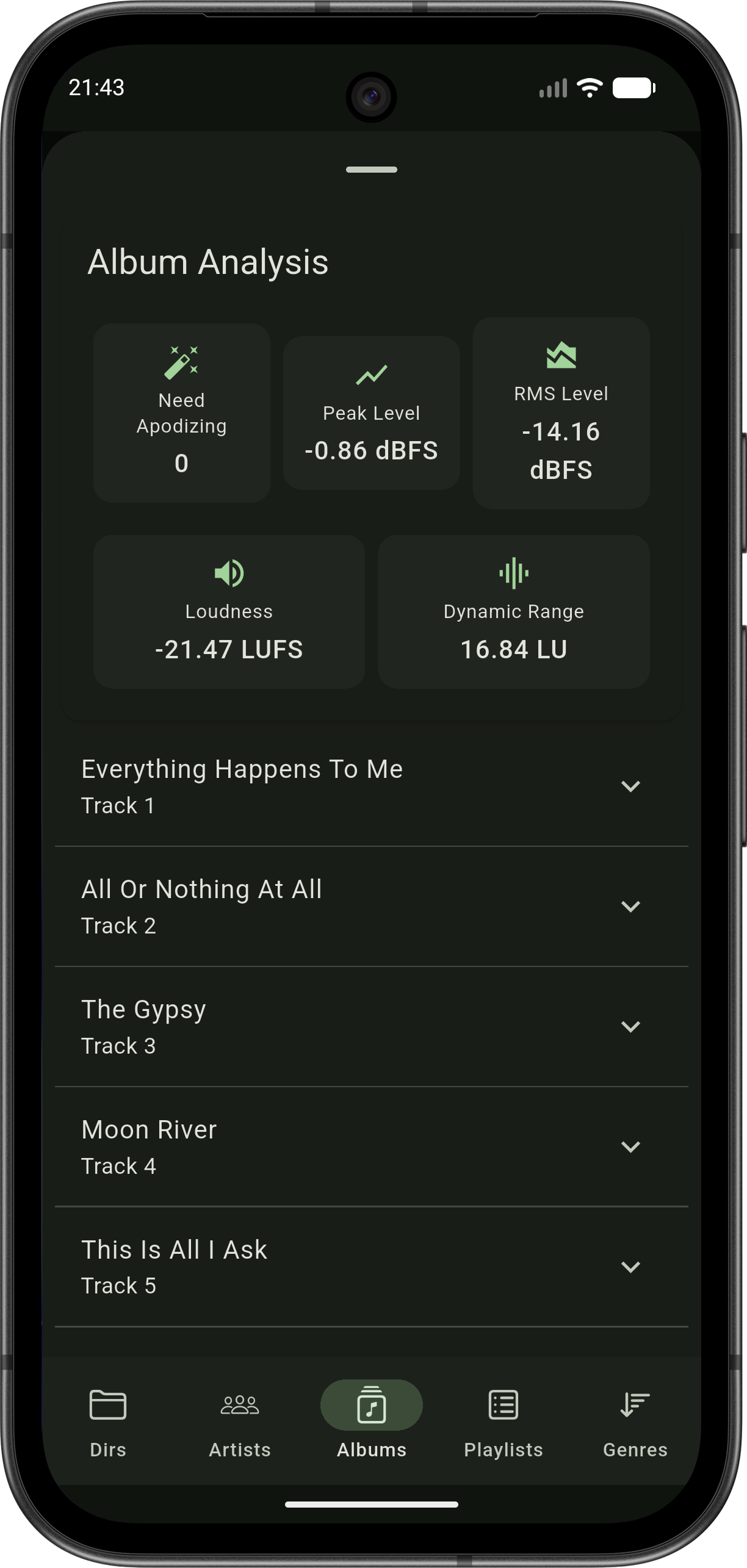
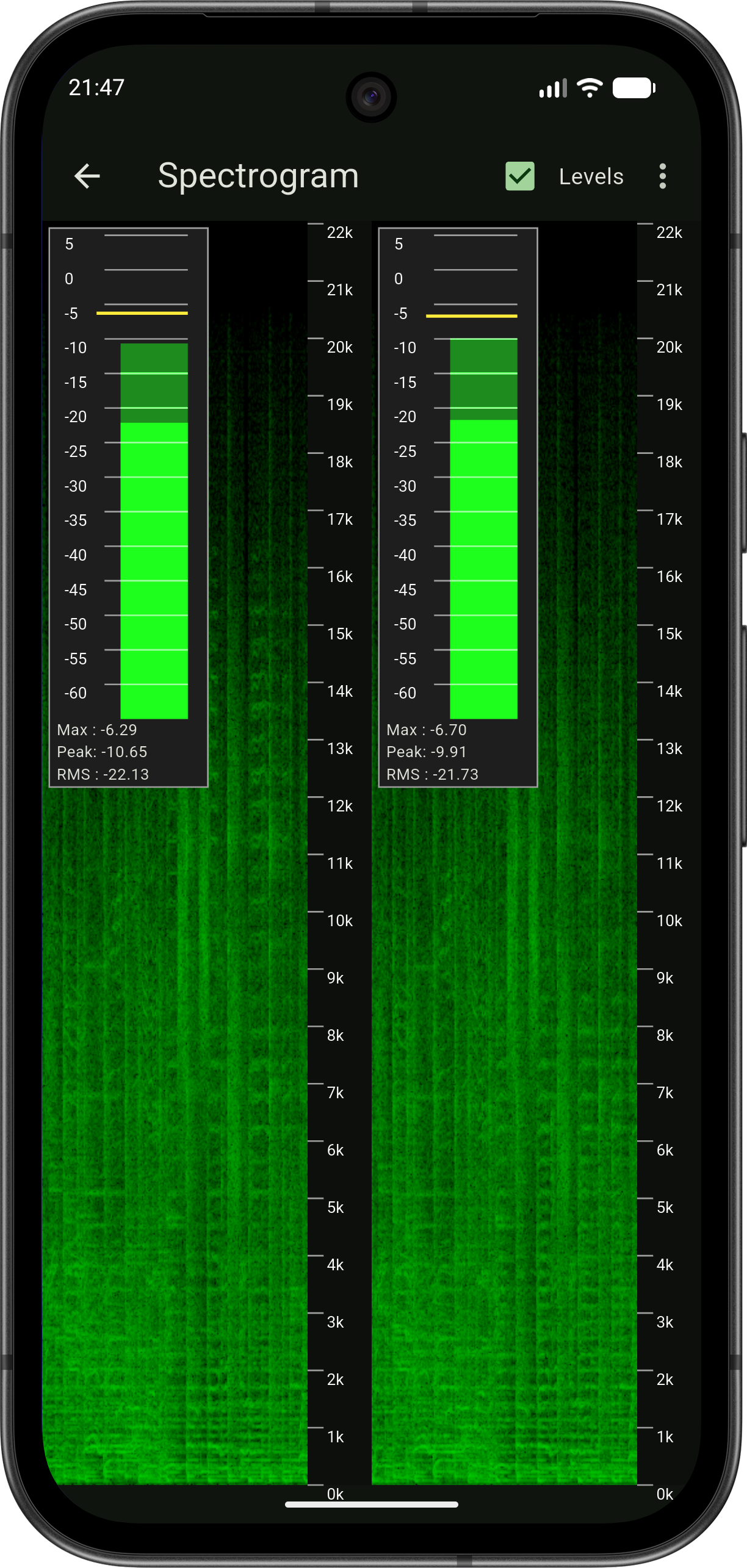
Understand your music at a deeper level. HQPlayer performs the measurements and generates the live signal data; HQPDcontrol brings it to your phone in a clear, readable form.
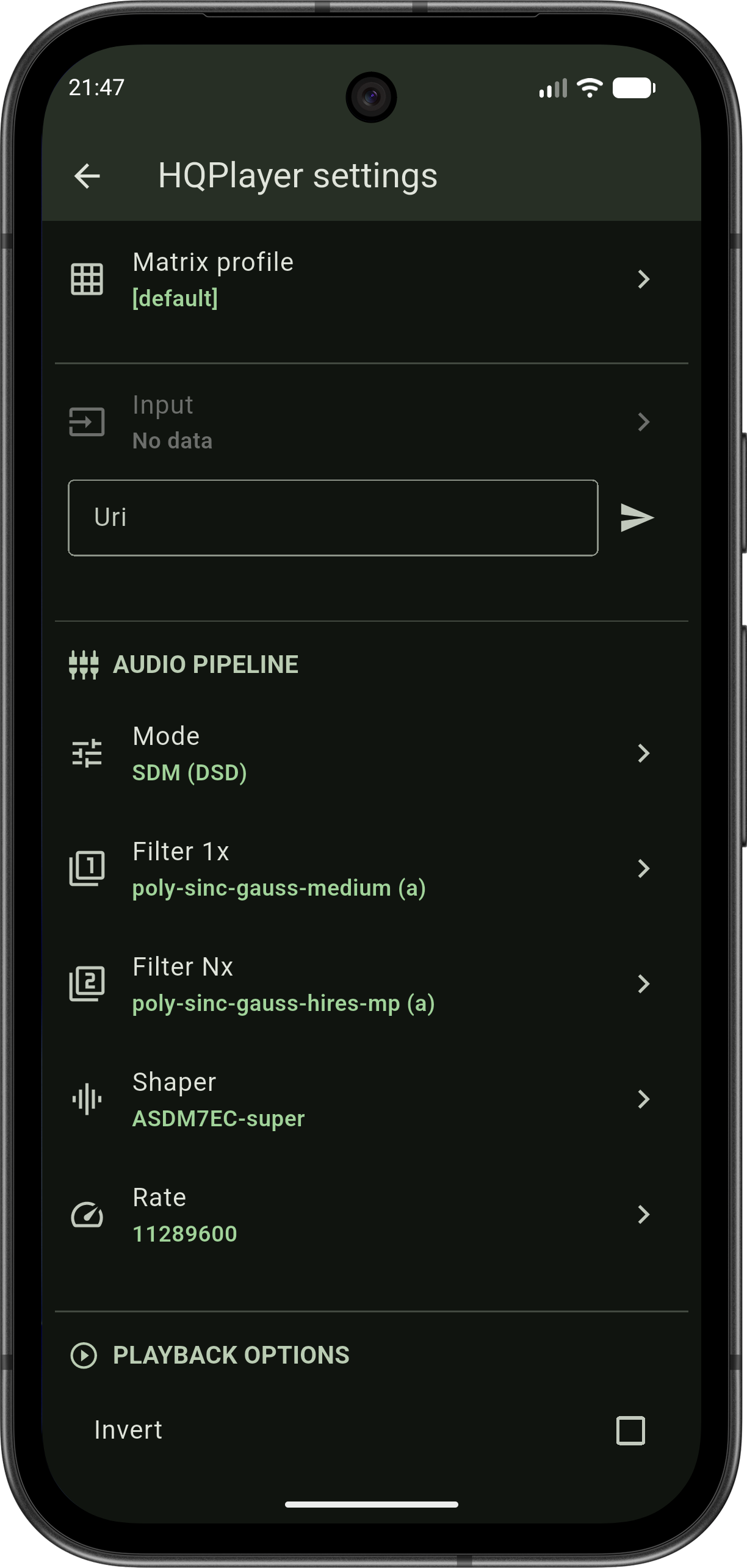
Access the full range of HQPlayer's audio processing settings without leaving your chair.
Integrate your HIGHRESAUDIO streaming subscription directly into HQPDcontrol. Browse, search, and play — the app sends stream URLs to HQPlayer for native playback with the full processing chain.
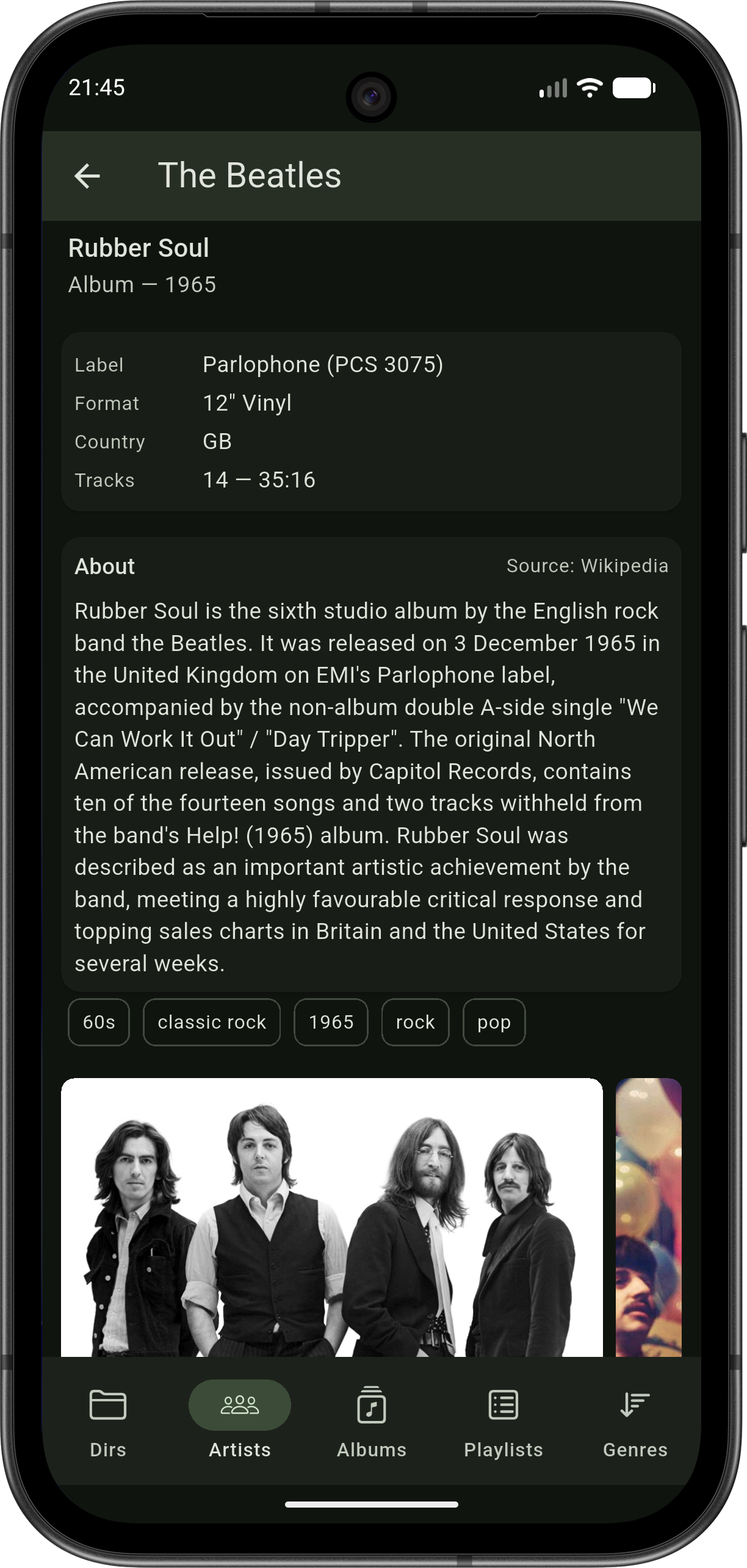
HQPDcontrol fetches rich context for every artist and album in your library from the best open music databases — without sending your library anywhere.
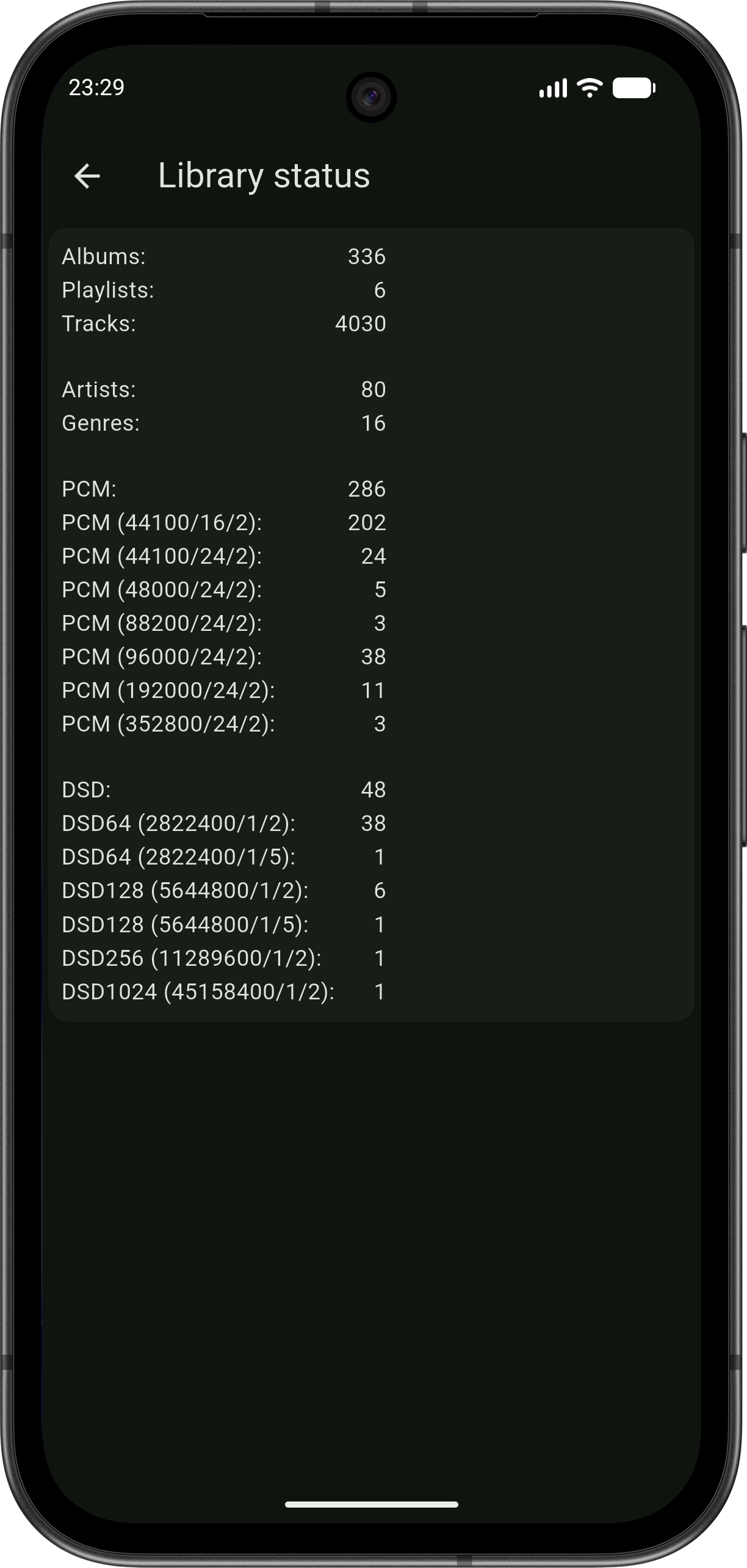
The little details audiophiles care about — liner notes and a clear view of what's in your collection.
Engineered for the demands of a serious audio setup.
Find HQPlayer on your network automatically — mDNS, UDP multicast (IPv4/IPv6), and subnet scan run in parallel. One tap to connect.
ECDH key exchange with ChaCha20-Poly1305 encryption. Streaming URLs are protected in transit.
Handles libraries with tens of thousands of albums. Batch import with progress tracking.
Your library is stored locally in SQLite. Browse albums, tracks, and metadata without a constant connection.
Album art cached locally with configurable size limits and automatic quality optimization.
Survives network drops and device sleep. Exponential backoff reconnection — your session resumes automatically.
Download HQPDcontrol and transform your HQPlayer experience.
Available on Android 7.0+ and iOS 16.6+
Have a question, feedback, or feature request? We'd love to hear from you.